Sand Loop Level 71 Solution Walkthrough | Sand Loop 71

How to solve Sand Loop level 71? Get instant solution for Sand Loop 71 with our step by step solution & video walkthrough.
Share Sand Loop Level 71 Guide:
Sand Loop Level 71 Gameplay
Sand Loop Level 71 Solution 1
Sand Loop Level 71 Solution 2
Sand Loop Level 71 Solution 3

Sand Loop Level 71 Snapshot

Canvas & Color Targets

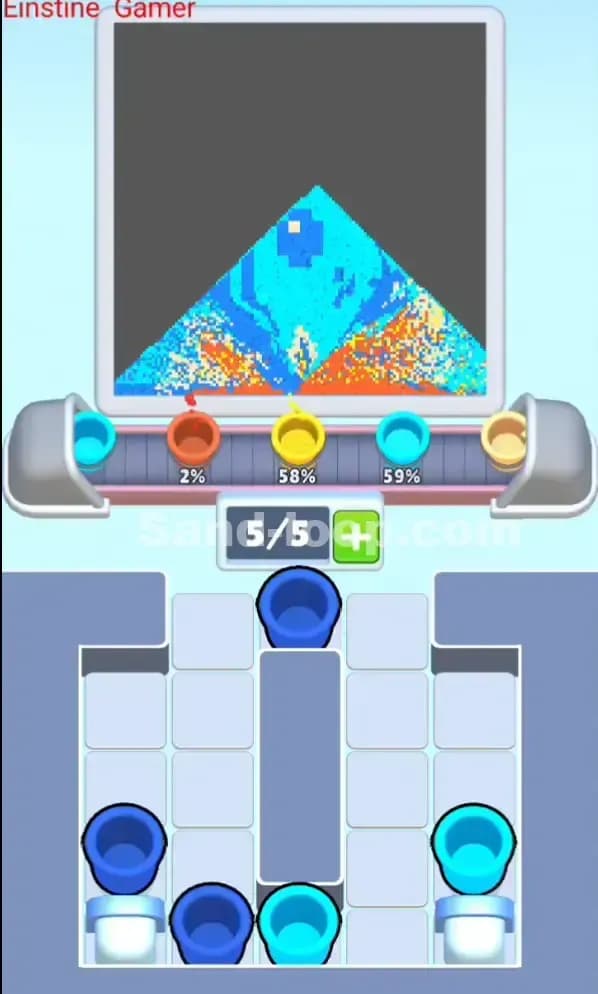
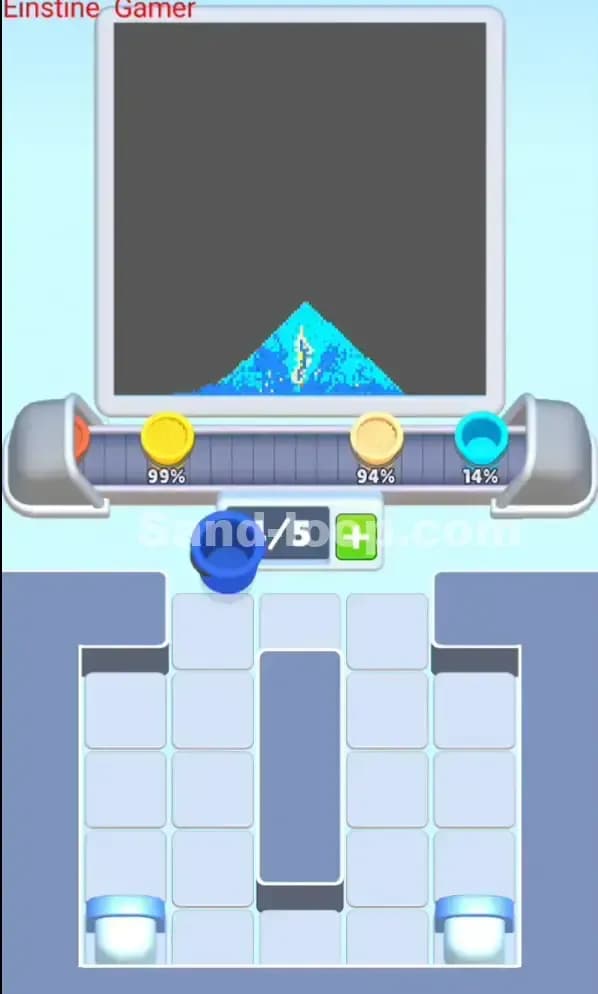
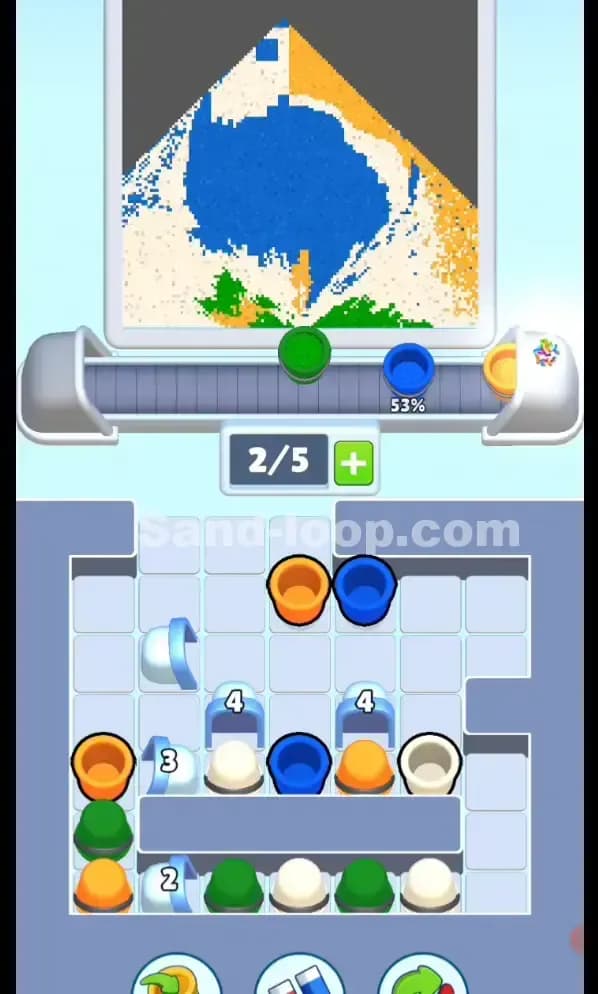
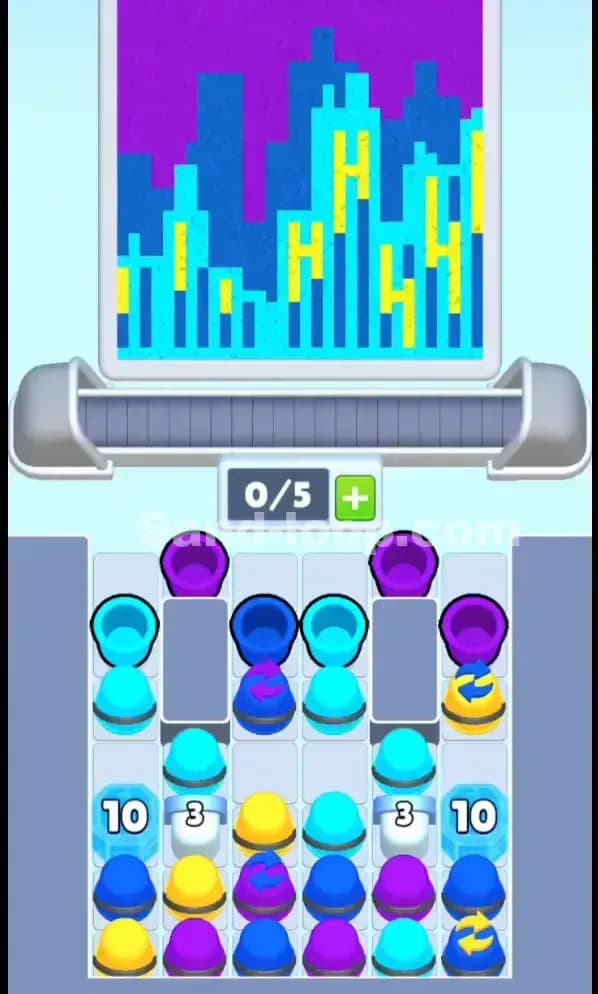
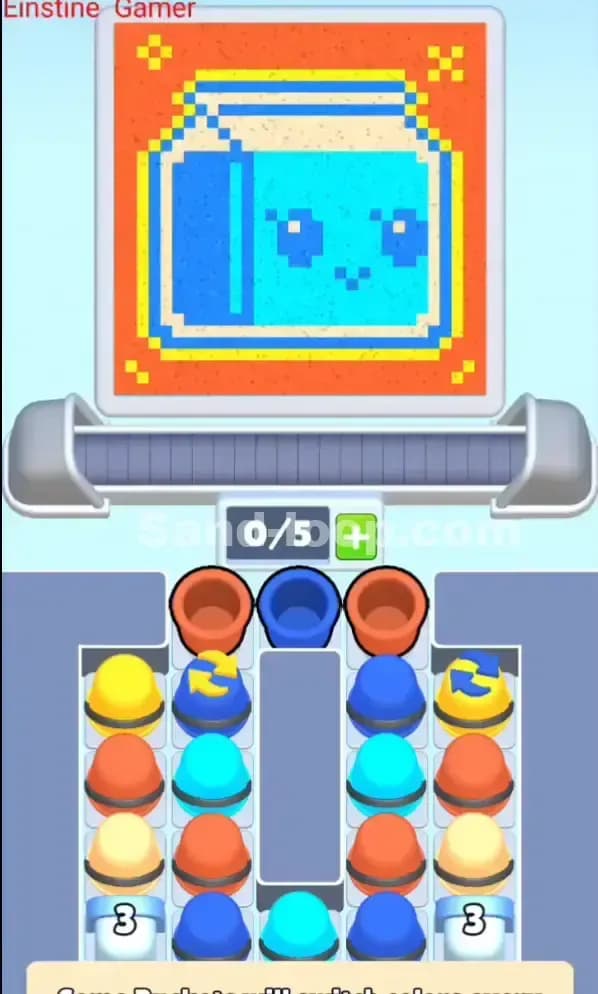
Sand Loop Level 71 tasks you with filling a retro TV screen design dominated by a bright orange background with cyan (bright light blue) and blue accents forming a frame around a cute pixelated face. The canvas is split into clear zones: the orange outer region needs heavy coverage, while the cyan and blue interior sections require precise, controlled fills. You'll see color progress meters at the top of the screen—they tell you exactly how much of each color you still need to complete. This level demands restraint; it's easy to overfill orange and lock yourself out of finishing the finer blue and cyan details.

Starting Setup & Cup Availability

You begin Sand Loop 71 with a conveyor capacity of 0/5, meaning you're starting with an empty belt and room for five cups maximum. Looking at your supply tray below, you've got a diverse stack: yellow, blue, orange (both regular and darker shades), and cyan cups in various positions. The critical issue here is blocked access—several cups are stacked beneath others, so your first moves must unblock the right colors without jamming your limited slot economy. You can't just grab whatever you want; you have to think three moves ahead.

Win Condition

To beat Sand Loop 71, fill the canvas so all color progress bars reach 100% without wasting pours on overflow, contamination, or accidentally crushing one color too early. The level ends when the entire TV design is complete and no progress meter shows red. It sounds simple, but the gap between "almost done" and "actually done" is where most players choke.


Why Sand Loop 71 Feels Hard (The Actual Bottleneck)

The Real Puzzle: Cup Access vs. Timing

The biggest bottleneck in Sand Loop 71 isn't the conveyor speed—it's the supply tray stack. You have the cups you need, but they're arranged so that grabbing one color blocks another for several moves. Orange is everywhere, which sounds great until you realize you need to ration it carefully to avoid drowning the canvas in orange before you've even touched cyan. Meanwhile, the blue and cyan cups you desperately need late-game are buried under layers of orange and yellow.

Three Classic Traps

Trap #1: Orange Overload Early. It's tempting to load orange cups back-to-back because they're accessible and the orange zone looks huge. But if you pour orange too aggressively in moves 1–8, your orange meter maxes out, and you're stuck pouring blue and cyan into an already-full zone. I've seen runs die this way—the progress bars show orange at 100%, but blue is still at 60%.

Trap #2: Cyan Cups Stay Buried. Cyan is your precision color for the interior screen, but it's often stacked deep. If you don't unblock it early, you'll hit move 15–18 with cyan barely touched and no way to cycle enough cyan cups through before the level ends.

Trap #3: Continuous Pouring Panic. When a cup reaches the pour point, holding your tap to "fill faster" often causes overshoot or the wrong color to splash into a finished zone. Sand Loop 71 punishes trigger-happy players because the constraints are tight.

Why It Looks Deceptive

Sand Loop 71 looks straightforward—colorful cups, straightforward canvas—but it's actually a sequencing puzzle disguised as a pouring game. You're not just managing colors; you're managing which cup you can access and when, while the belt is moving and your slots are finite. That's why it feels hard: you're juggling three systems (supply availability, conveyor timing, and color targets) all at once.


Step-by-Step Walkthrough to Beat Sand Loop 71

Opening Rhythm (Moves 1–4)

Start by loading one orange cup onto the belt first—let it ride across and pour a single controlled burst into the orange zone. Don't panic; one pour won't overfill you. Immediately after (move 2), load one yellow cup. Yellow often acts as a "neutral" pour in puzzle levels, filling background space without competing with your critical colors. Keep your conveyor at 1–2 cups at a time; this preserves slots and prevents belt gridlock.

By move 3, load one blue cup. Even though you've got plenty of blue in the tray, you want to establish a rhythm: orange, yellow, blue, then pause to assess. This gives you real data—you'll see the meters move and get a feel for how fast each color is climbing. Don't load five cups immediately thinking you're "ahead"; you're actually blind to meter changes and vulnerable to overshoot.

Unblocking Plan (Moves 5–10)

After your first three pours, you'll need to unblock cyan. Cyan is buried, so look at the tray layout: you may need to cycle two or three "filler" cups (likely more orange or that blue that's in the way) through the belt and off the far side to free up cyan access. This feels wasteful, but it's actually efficient—those cups travel the belt naturally, you don't waste them (they still pour and fill their zones), and you open up your supply path.

Once cyan is accessible (usually by move 8–9), load one cyan cup and let it reach the pour point. Watch the cyan meter jump. This is your confirmation that the unblocking worked. Keep one slot free after this cycle; you're approaching the mid-game and will need flexibility.

Mid-Game Control (Moves 11–16)

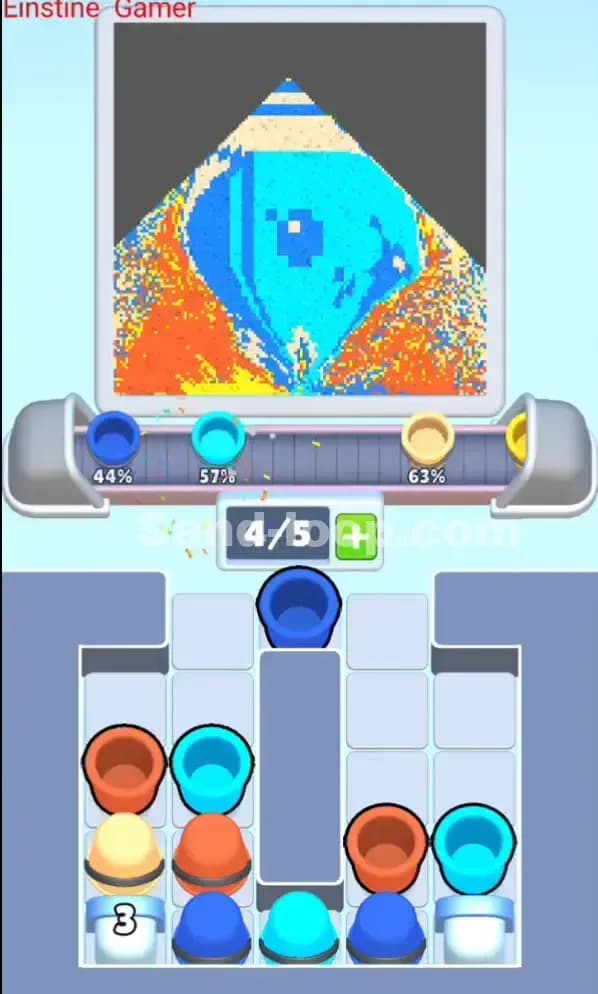
Now the conveyor is warming up. Your orange meter is roughly 40–50%, cyan is 10–15%, blue is 25–30%. Load your next sequence carefully: cyan, orange, cyan in that order, with one-cup gaps between them. Why? Because sand-loop mechanics give you a 2–3-move delay between loading and pouring—if you load two cyans back-to-back, they both hit the pour point almost simultaneously and blast cyan in a way you can't control. Staggering them lets you make micro-decisions about burst length.

Watch your color meters like a hawk during these moves. If orange hits 75%, stop loading orange entirely and cycle only cyan and blue. If cyan is still below 30% by move 14, load two cyan cups in sequence (since they're now unblocked) to accelerate it. The goal is to keep all three meters rising evenly—no color should hit 100% more than one move before the others.

End-Game Precision (Moves 17–20)

By move 17, you should see all three colors in the 70–85% range. This is crunch time. Load whichever color is lowest first—let's say it's cyan at 72%. Load one cyan cup, let it pour, then immediately load orange or blue to finish the other two. Your last two moves should be dedicated to filling the final gaps. Be conservative with your pours here; short bursts beat long holds. A 1-second tap is safer than a 3-second hold that overshoots by 10%.

If you're within one move of the end and two colors are done but one is at 89%, don't panic—load that final color and tap briefly. The level will end the moment all three hit 100%, so you don't need pixel-perfect perfection, just crossing the threshold.

If You Mess Up (Emergency Recovery)

If you've accidentally maxed out orange by move 12 and cyan is still at 20%, don't rage-quit. Reset and restart the level—you only lose a few seconds. But if you're still in-run and notice the problem early (move 6–8), you can recover: skip loading orange for the next 3–4 moves and cycle cyan and blue exclusively. This starves the orange zone temporarily (it doesn't drain), and your new pours go into the cyan and blue regions, allowing them to catch up. It's slower than optimal, but it works.

If you overfill one color and it shows 105% (yes, overflow is real in Sand Loop 71), the level doesn't end—you've just wasted supply efficiency. Continue pouring the other two colors to their targets and finish. You won't get a perfect score, but you'll win.


Why This Strategy Works in Sand Loop 71

Conveyor Lead Time + Slot Economy

Sand Loop 71's conveyor moves at a fixed pace, and cups take roughly 2–3 seconds to travel from the tray to the pour point. By loading strategically (one cup, observe, load next), you're using that natural delay as a timer. When you load a cup now, you have a 2-move window to decide what goes next—you're not blindfolded. Keeping 1–2 free slots means your conveyor never deadlocks. A full belt (5/5) means you're stuck watching cups rotate while unable to react to meter changes.

Preventing the "Background Overfill" Lock-Out

The orange zone dominates Sand Loop 71's canvas, but it's not the primary target—it's just the biggest zone. By rationing orange pours and spacing them out, you prevent the scenario where orange hits 100% on move 12 and you spend moves 13–19 forced to pour blue and cyan into an already-full region (wasted pours = wasted moves). The staggered approach ensures orange, cyan, and blue all progress simultaneously, and no single color bottlenecks you.

Consistency Under Pressure

If Sand Loop 71 has move or attempt limits (some versions do), this strategy keeps you consistent. You're not improvising—you're following a tempo: load, observe, load. Each run should feel similar, and you'll finish in roughly 18–21 moves every time. That predictability means you can hit the same targets, same execution, and beat the level without needing "luck."


Extra Tips and Adaptations for Levels Like Sand Loop 71

Six Mistakes & Fixes

  1. Mistake: Loading five cups at the start, thinking you're "speeding up."
    Fix: Load one, watch the meter. Patience is faster than panic.

  2. Mistake: Holding your pour for 3+ seconds to "maximize fill."
    Fix: Tap for 0.5–1.5 seconds, release, and reload. Short bursts = control.

  3. Mistake: Ignoring the conveyor delay and loading a cup right after another pours, assuming they won't stack.
    Fix: Count to 2 after a cup leaves the belt before loading the next one.

  4. Mistake: Grabbing orange cups exclusively because they're on top.
    Fix: Unblock cyan and blue early (moves 5–8) by cycling "blocker" cups through.

  5. Mistake: Pouring into a color zone and stopping short, then trying to re-pour the same zone with a new cup.
    Fix: Plan your pour sequence so each zone gets filled in one shot, or return to it only after cycling 2–3 other colors.

  6. Mistake: Continuing to load orange after the orange meter hits 75%.
    Fix: Switch to cyan/blue immediately; orange can wait.

Booster Strategy

If your version of Sand Loop 71 offers a +1 Slot booster (extra conveyor space), use it on move 5–6 if you're struggling with belt congestion. The extra slot costs points but gives you breathing room to unblock cyan without micromanaging. If an Undo booster is available and you've made a move you instantly regret (loaded wrong color, triggered overshoot), use it immediately—don't let the mistake compound. A Slow Belt booster is overkill for Sand Loop 71 unless you're really struggling with timing; the default speed is forgiving enough.

Final Encouragement

Sand Loop 71 will click once you stop thinking of it as "pouring colors" and start thinking of it as "scheduling pours with a conveyor queue." That shift in mindset—from action-game to puzzle-game—is what separates one attempt from a confident win. You've got this. If you're stuck, visit sand-loop.com for video walkthroughs of Sand Loop 71 and similar levels. Every player chokes here once; the ones who advance are the ones who re-read their strategy and try again. Good luck!